
Mobile Casino App Guide
24Magic On Mobile
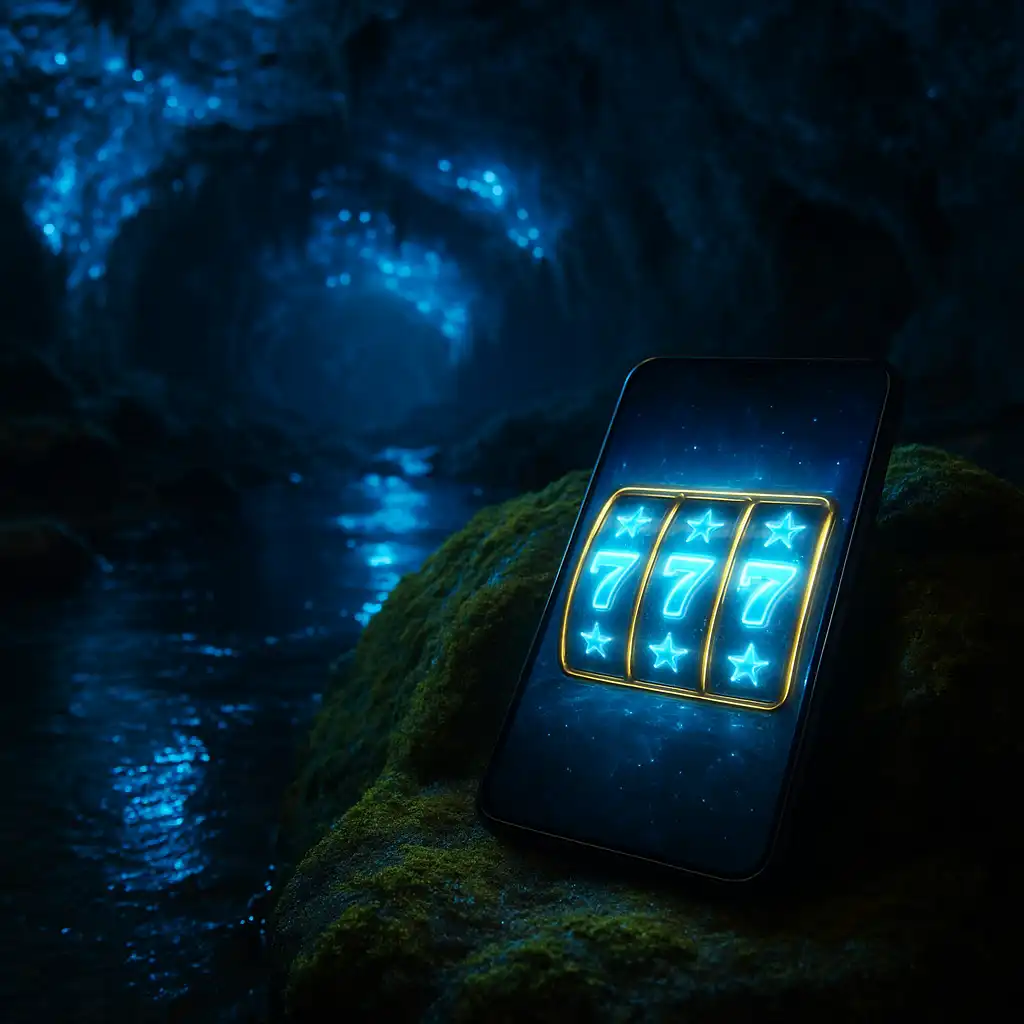
Most of the 24Magic player base now logs in from a phone rather than a desktop, and the mobile build has been shaped around that habit rather than treated as an afterthought. Whether a player is topping up a session on the bus, having a punt during a lunch break, or settling in on the couch with the telly on mute, the mobile experience mirrors the desktop caves in look and feel while trimming the layout down to something that works cleanly on a smaller screen.
Progressive Web App, No Cluttered Store Listing
Rather than pushing a native download through the Play Store or App Store, both of which carry restrictions on gambling apps in several regions, 24Magic runs as a progressive web app. Players load the site through their mobile browser and can then add it straight to the home screen, at which point it behaves like any other installed app: full-screen, its own icon, and no browser address bar cluttering the view. This approach also means updates roll out instantly with no app store review queue holding back new games or features.
Installing On Android
- Open the 24Magic site in Chrome or another Chromium-based browser.
- Tap the browser menu, denoted by three dots in the top corner.
- Select “Add to Home screen” and confirm the prompt.
- Launch the icon from the home screen for a full-screen experience with no address bar.
Installing On iOS
- Open the 24Magic site in Safari, since the add-to-home-screen feature is tied to Safari on iPhone and iPad.
- Tap the Share icon at the bottom of the screen.
- Scroll down and select “Add to Home Screen”.
- Confirm the name and tap “Add” to place the icon on the home screen.
What The Mobile Build Covers
| Feature | Mobile support |
|---|---|
| Pokies and slot machines | Full library, touch-optimised reels |
| Crash | Full support, quick-tap cash-out button |
| Roulette (RNG and live dealer) | Full support, portrait and landscape layouts |
| Deposits and withdrawals | Full banking menu, saved payment methods |
| Live chat support | Persistent chat bubble, does not block gameplay |
| Bonus tracking | Wagering progress bar visible from account menu |
Built For New Zealand Networks
Mobile data speeds vary a fair bit once a player gets outside the main centres, so the mobile build has been kept light where it counts. Game assets stream progressively rather than forcing a large upfront download, and the live dealer roulette feed adjusts its bitrate automatically when it detects a slower connection, dropping video quality slightly rather than freezing or dropping the stream entirely. For players on a limited data plan, a low-data toggle in the account settings menu reduces background asset loading and animation detail, which helps stretch a data allowance further across a longer session.
Touch Layout And One-Handed Play
Buttons across the mobile build, from spin controls to cash-out prompts, sit within comfortable thumb reach and meet a minimum touch target size so a rushed tap does not accidentally hit the wrong control. The burger menu tucked into the top corner opens the same navigation available on desktop, including quick links to the promotions page, banking menu and account settings, without needing to hunt through nested sub-menus.
Notifications And Session Reminders
Players who add the app to their home screen can opt into push notifications covering bonus expiry reminders, deposit confirmations and promotional offers. These are opt-in rather than switched on by default, and can be turned off at any time from the account settings without affecting access to the site itself. 24Magic also uses this same channel to send responsible gambling reminders after extended sessions, prompting players to take a break or review their deposit limits.
Security On The Go
The mobile build carries the same encryption and account security measures as the desktop site, including two-factor authentication for withdrawals and login alerts sent by email when an account is accessed from a new device. Players are encouraged to avoid public wifi for banking actions where possible, and to set a PIN or biometric lock on their phone generally, since the home screen icon does not itself carry any additional password layer beyond the account login.
A Consistent Cave Experience
The glowworm cave visuals, from the shimmering blue ceiling to the carved stone slot machine cabinets, carry over faithfully to the mobile layout rather than being stripped back to a generic template. Load times stay quick because animations are optimised rather than removed outright, so the atmosphere that makes 24Magic distinctive on desktop remains intact for players logging in from a phone on the ferry, at the bach, or anywhere else in New Zealand with a data signal.